Family Group T-Shirt Mockups Bundle: A Designer’s Review
As an embroidery designer who spends half my life digitizing patterns and the other half staring at screens trying to sell them, I have learned that presentation is just as critical as stitch quality. You can have the most flawless satin stitch in the world, but if your customer cannot visualize how it looks on a garment, they are unlikely to buy. This is where high-quality Product Mockups become essential tools in our digital toolkit. Recently, I put the Family Group T-Shirt Mockups Bundle to the test, not just as a graphic asset, but as a practical bridge between my digital embroidery files and real-world sales.
First Impressions: Mood and Visual Personality
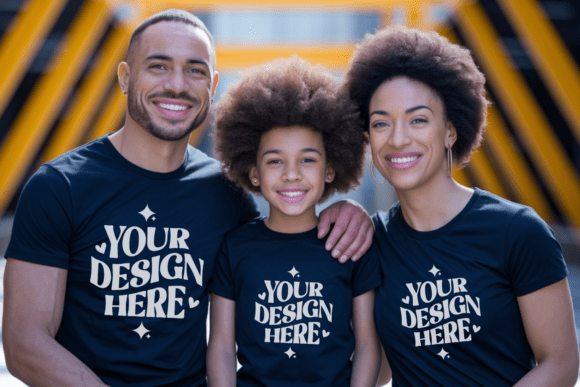
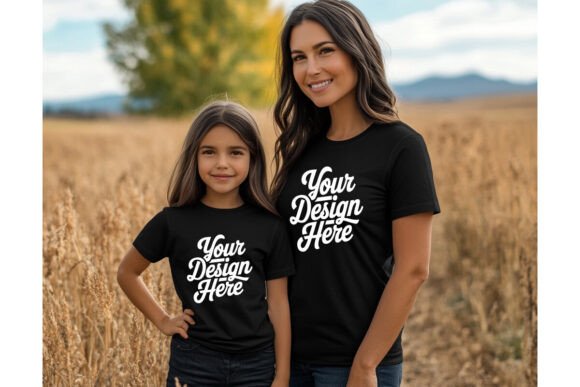
When I first opened the Family Group T-Shirt Mockups Bundle, the immediate impression was one of warmth and authenticity. In the world of Graphics, it is easy to find sterile, overly polished images that look like they were generated in a vacuum. However, this bundle captures a lived-in, cozy aesthetic that resonates deeply with the current market trends for handmade goods. The lighting is soft, suggesting natural window light rather than harsh studio flashes, which helps the texture of the fabric shine through.
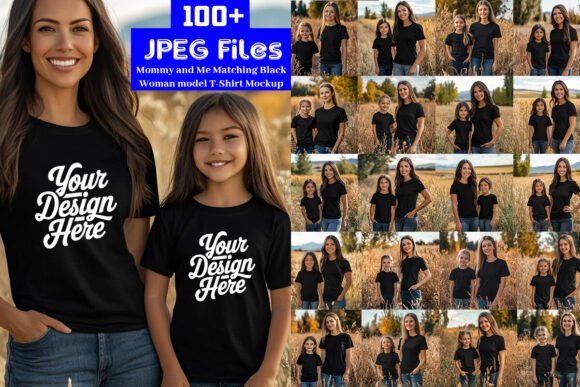
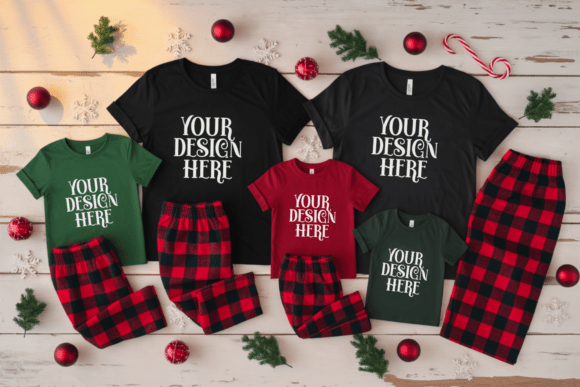
The layout focuses on connection. Whether it is a parent and child or a full family unit, the composition emphasizes closeness. For an embroidery business owner, this mood is invaluable. It suggests that the designs placed on these shirts are not just decorations; they are memories. This visual personality fits naturally with projects involving personalized gifts, holiday embroidery, and nursery decor. It feels less like a catalog and more like a snapshot from a Sunday morning, which is exactly the vibe many Etsy sellers aim to cultivate.
Real-World Application: From Screen to Stitch
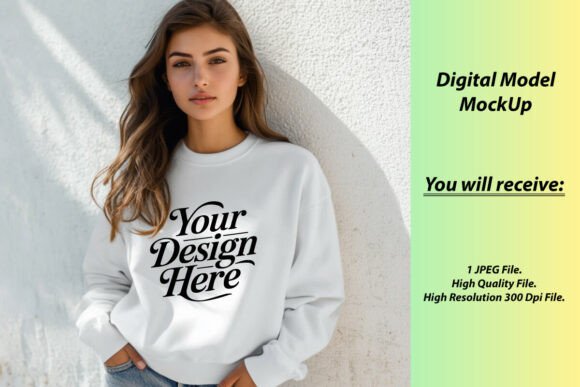
To truly evaluate the utility of this bundle, I simulated a real client project. I had recently digitized a custom machine embroidery design featuring intertwined initials and a small floral motif, intended for a set of matching family sweatshirts. The challenge was always showing the client how the thread colors would interact with the garment without sewing five different samples.
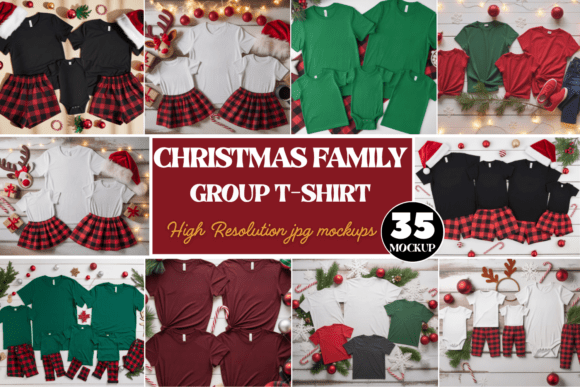
Using the Bella Canvas 3001 mockup included in the bundle, I was able to overlay my digitized artwork onto the t-shirt graphics. The result was striking. Because the mockups are high-resolution, the texture of the cotton blend was visible. This allowed me to judge how my satin stitch borders would sit against the fabric weave. In a real-life scenario, such as preparing a custom embroidered tote bag or a baby item, this level of detail helps manage customer expectations. If the mockup shows the design sitting flat and crisp, the customer trusts that the finished product will look professional.
I also tested the bundle for a boutique product launch. I was creating a line of embroidered patch designs for caps and jackets. While the primary focus is t-shirts, the neutral backgrounds and natural poses in the family t-shirt mockup scenes provided a clean canvas to showcase smaller details. By cropping appropriately, I could highlight the stitch density of my work, proving to potential buyers that my digital embroidery file was robust enough for commercial use.
Navigating Fabric and Hoop Constraints
While the Family Group T-Shirt Mockups Bundle is visually stunning, a responsible designer must consider where it might mislead. Mockups are idealized. In the real world, we deal with stretchy fabrics, dark materials, and curved surfaces like caps that distort designs. When using these mockups to preview a project, I advise caution with tiny lettering or highly detailed corners. On a screen, a running stitch outline might look perfect, but on a textured fleece sweatshirt, it could get lost.
If you are selling custom apparel, use these mockups to show the general placement and color harmony, but always include a disclaimer or a close-up photo of actual stitching on scrap fabric. This is particularly important for baby embroidery, where safety and softness are paramount. A mockup cannot convey the feel of the stabilizer or the hand of the thread. Therefore, while the etsy mockup bundle is excellent for marketing, it should not replace physical sampling for complex applique design projects or items that require frequent washing.
Impact on Brand Consistency and Trust
Consistency is the backbone of a successful craft business. Using a cohesive set of images like the Family Group T-Shirt Mockups Bundle helps establish a recognizable brand identity. When a customer scrolls through your shop and sees a uniform style of photography, it signals professionalism. It builds trust. They begin to associate that warm, familial aesthetic with your specific brand of handmade product.
Furthermore, these mockups enhance buyer engagement. A plain white background image of an embroidery file is informative but dry. A image of a father and daughter wearing matching shirts with your design creates an emotional connection. It helps the buyer visualize the personalized gift in their own life. This emotional resonance can significantly increase conversion rates for small shop product listings. It transforms a simple transaction into a purchase of a feeling or a memory.
Practical Notes for the Embroidery Designer
Before you integrate this bundle into your workflow, here are a few practical steps I recommend based on my experience:
- Test on Scrap Fabric First: Never rely solely on the mockup for technical accuracy. Always stitch out your embroidery file on the actual fabric type you plan to sell.
- Check Thread Color Contrast: Screens emit light; fabric reflects it. Colors may appear more vibrant in the Bella Canvas 30 mockups than they will in real life. Adjust your digital proofs accordingly.
- Review Stitch Density: Ensure your design is not too dense for the garment weight shown in the mockup. A heavy fill stitch design might pucker a lightweight tee, even if it looks smooth in the graphic.
- Confirm Hoop Size: Make sure the design fits the standard hoop sizes implied by the mockup. If the mockup shows a large chest print, ensure your file is scaled correctly for that area.
- Inspect Small Details: Zoom in. If your design has fine details, check if they remain clear when resized to fit the mockup’s perspective.
- Test in Black and White: Convert your mockup preview to grayscale to check for value contrast. This ensures your design stands out regardless of the shirt color.
- Compare Light and Dark Backgrounds: Use the various options in the bundle to see how your thread colors pop against both light and dark fabrics.
- Use Proper Stabilizer: Remember that the crisp look in the mockup assumes proper hooping and stabilizer use. Educate your customers on care instructions.
- Check Licensing: Before using these design assets for commercial purposes, confirm the license terms. Ensure you are allowed to use them for both personal and commercial projects, especially if you are selling the mockups themselves as part of a digital package.
Final Verdict
The Family Group T-Shirt Mockups Bundle is a powerful asset for any embroidery designer or Etsy seller looking to elevate their product presentation. It bridges the gap between the technical precision of digitizing and the emotional appeal of marketing. While it requires careful handling regarding technical expectations like stitch density and fabric behavior, its ability to convey mood, warmth, and professionalism is unmatched. For those creating holiday gifts, wedding gifts, or everyday custom apparel, this bundle provides the visual context needed to turn browsers into buyers. It is not just a graphic; it is a storytelling tool for your craft.